Learn how to create a cleaner and more comfortable office with practical tips that improve organization, air quality, hygiene, and employee well being.
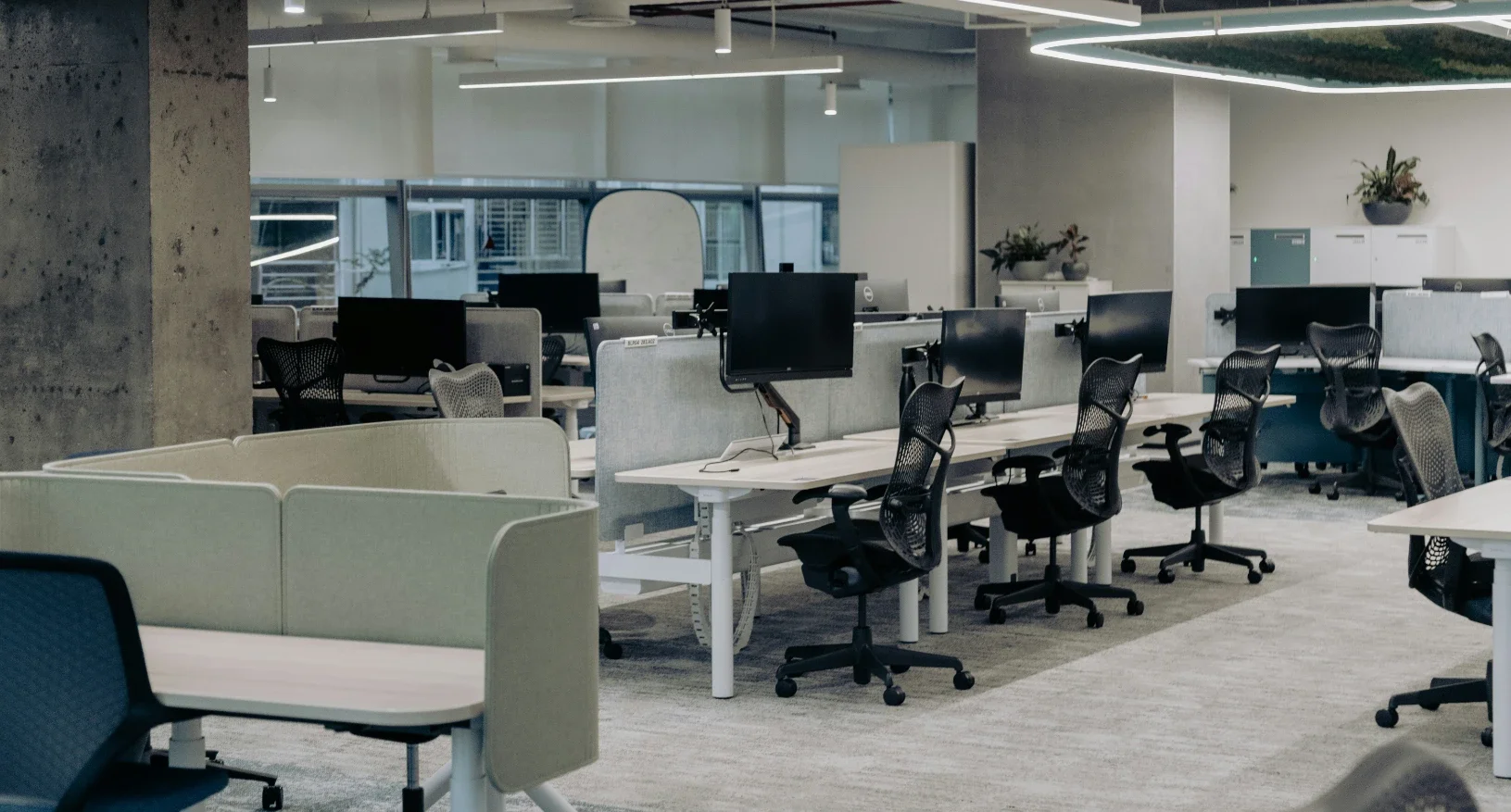
A clean office is not only about appearance. It affects focus, productivity, employee comfort, indoor air quality, equipment care, and how visitors perceive the business.
A comfortable office is easier to maintain when cleanliness is built into the layout, materials, storage, airflow, and daily routines. If the space depends on one large cleanup every few weeks, the system is not working.
The best office environments are designed to reduce clutter, control dust, support movement, and make daily resets simple.
Start With High-Traffic Areas
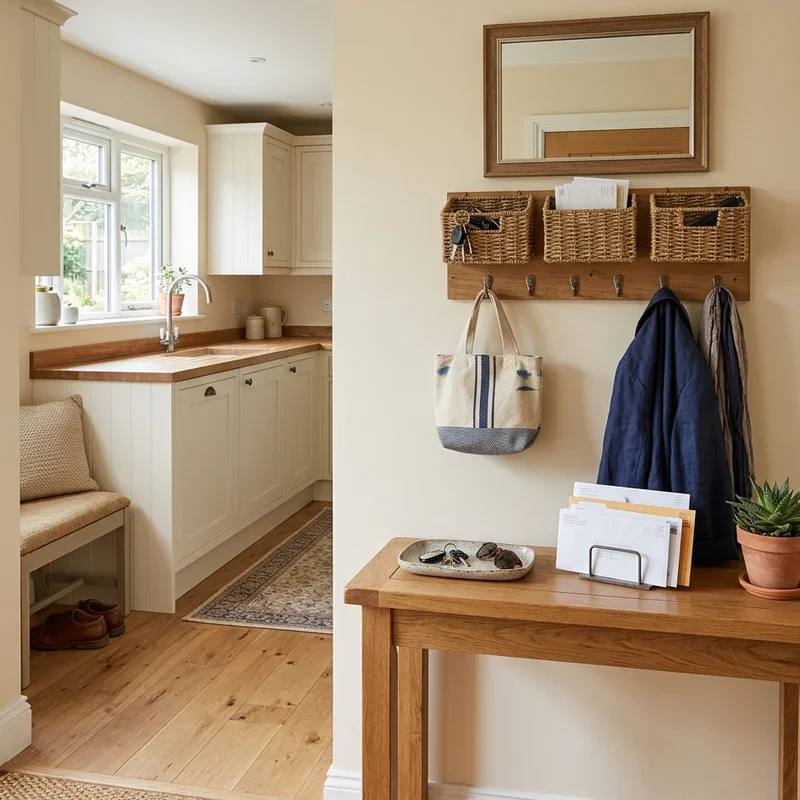
Every office has zones that get dirty faster than others. These usually include the entrance, reception desk, meeting rooms, shared desks, kitchens, restrooms, copy areas, and break spaces.
Start by reviewing where people walk, gather, eat, print, store items, and wait.
High-traffic areas should be easy to clean and simple to reset. Avoid placing unnecessary decor, loose cables, or open storage in these zones.
A cleaner office begins with fewer obstacles.
Improve Indoor Air Quality
Air quality has a direct effect on comfort. Dust, pollen, cleaning chemical residue, printer particles, outdoor pollution, and poor ventilation can make an office feel stale.
Basic maintenance helps. Replace HVAC filters on schedule, keep vents clear, clean return grilles, and avoid blocking airflow with furniture or storage.
For larger offices, workshops, warehouses, production spaces, or buildings with higher particle loads, air filtration systems can support cleaner air by helping capture airborne dust and contaminants before they settle across surfaces.
Air quality should be treated as part of facility management, not an afterthought.
Create Clear Desk Rules
Desk clutter builds quickly when there are no rules. Paper, mugs, food packaging, cables, product samples, notebooks, and personal items can make workstations harder to clean.
A clean desk policy does not have to be strict or sterile.
It should define what stays on the desk, what gets stored, and what must be cleared at the end of the day.
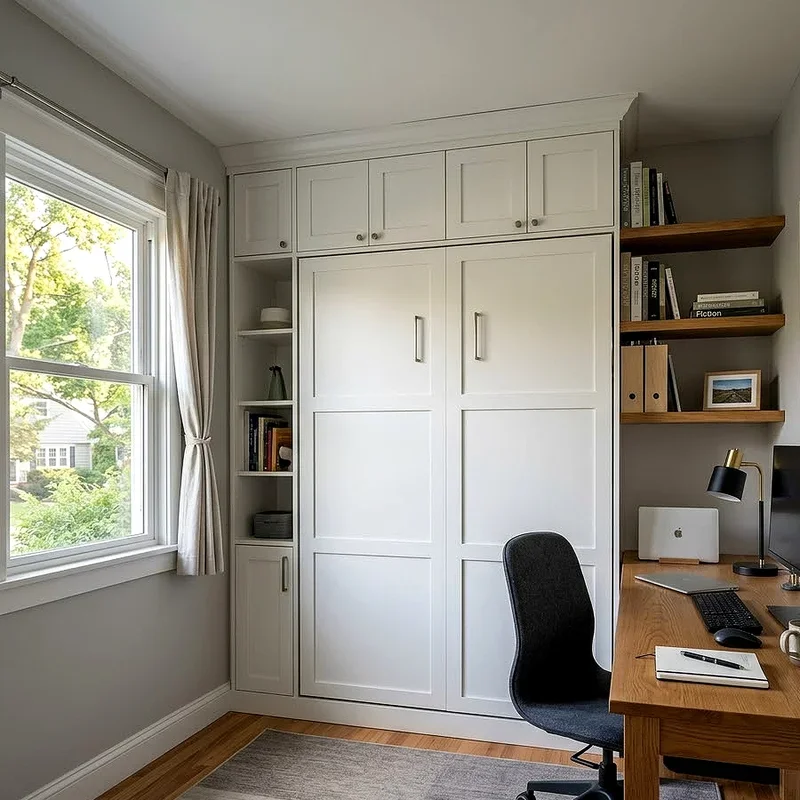
Give employees enough storage so the policy is practical.
If people have nowhere to put items, clutter will always return.
Use Storage That Matches Workflow
Storage should be close to where work happens. Supplies used daily should not be stored across the office. Items used rarely should not sit on desks or counters.
Use labeled cabinets, drawers, bins, shelves, and shared supply zones.
Office Storage Areas to Organize
Start with these categories:
Office supplies
Cleaning products
Paper and forms
Cables and chargers
Printer materials
Kitchen supplies
Visitor materials
Archived documents
Employee personal storage
Good storage reduces visual clutter and saves time during the workday.
Keep Shared Spaces Easy to Reset
Shared spaces need stronger systems because many people use them. Kitchens, conference rooms, and lounge areas should be designed for quick cleanup.
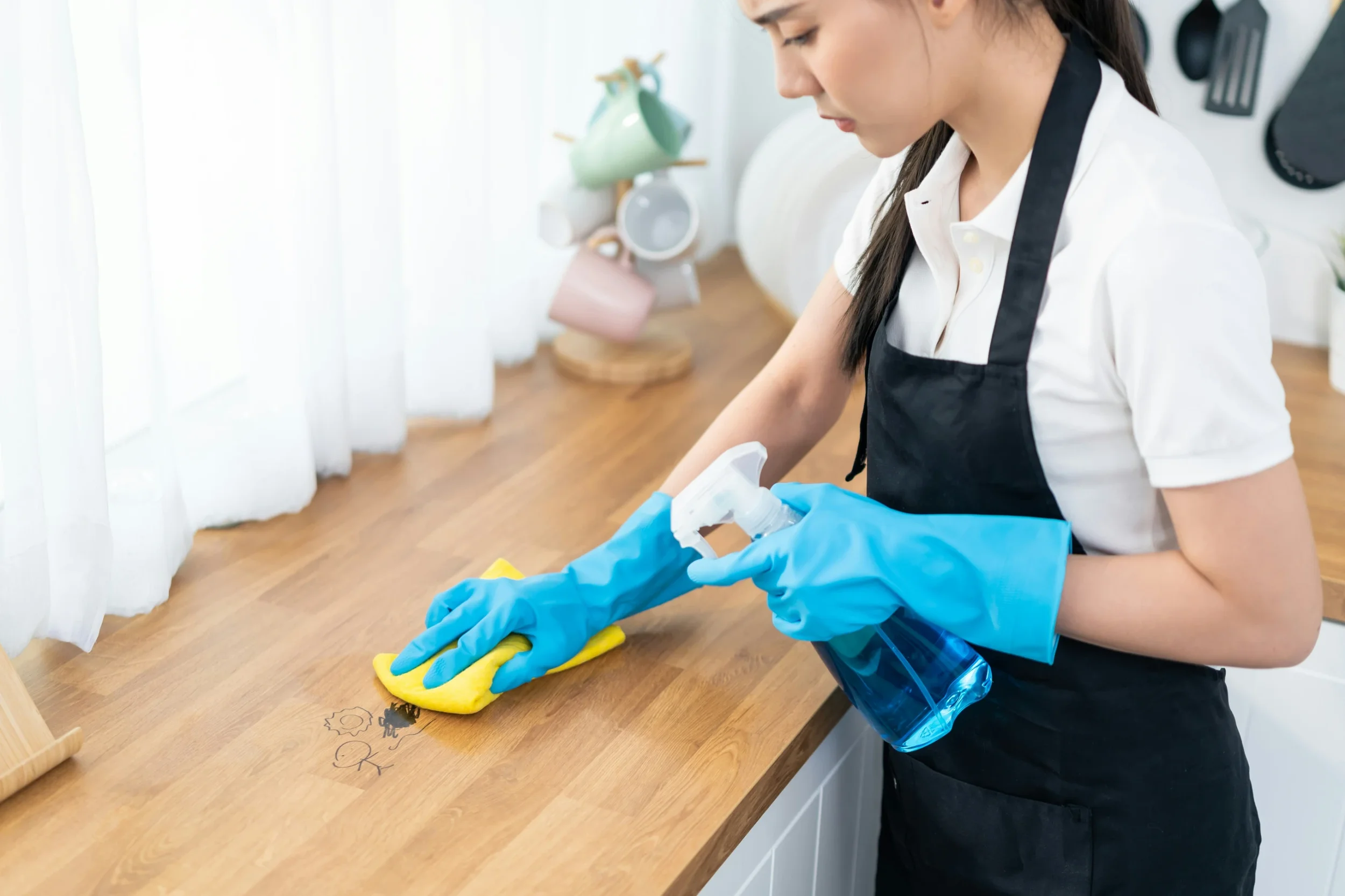
Use wipeable surfaces, closed trash bins, clear signage, and supplies that are easy to find.
Meeting rooms should have a simple reset rule: clear cups, wipe the table, push in chairs, remove notes, and check the floor before leaving.
Break rooms need the same structure.
If shared areas do not have ownership, they decline quickly.
Choose Materials That Clean Well
Office comfort depends on material choices. Some surfaces look good but are hard to maintain.
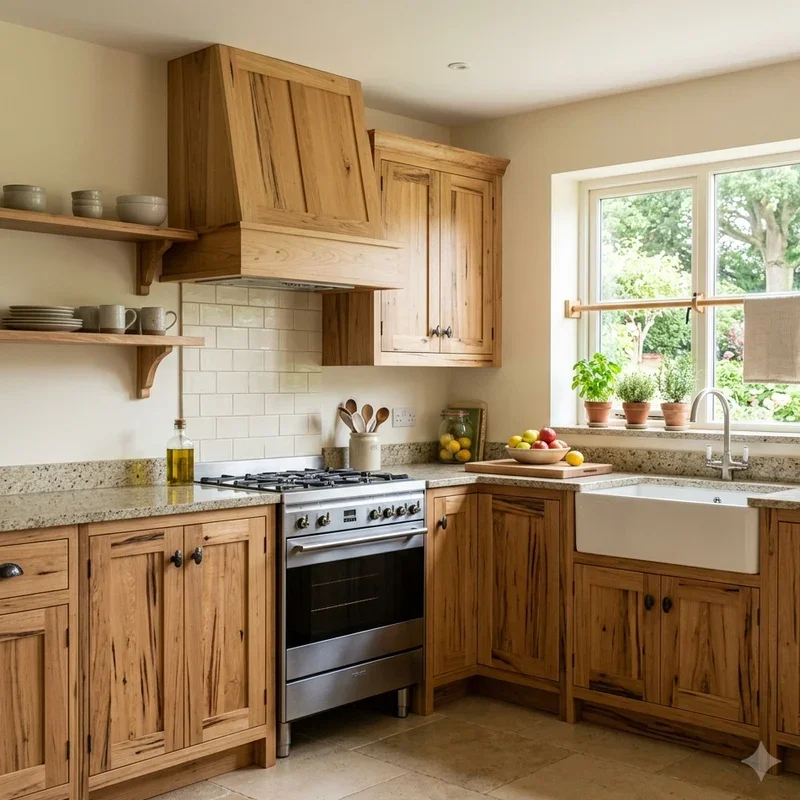
Use durable, cleanable materials in high-use areas. Laminate, sealed wood, metal, glass, performance fabrics, low-pile carpet, and washable wall finishes are often easier to care for than delicate materials.
Soft furnishings should be chosen carefully.
Fabric chairs in eating areas may stain quickly. High-pile rugs may trap dust. Glossy surfaces may show fingerprints constantly.
The right material reduces cleaning effort.
Control Dust at the Source
Dust comes from people, paper, fabric, vents, outdoor air, packaging, and equipment. It collects on desks, shelves, monitors, vents, baseboards, and electronics.
Reduce dust by keeping surfaces open, limiting unnecessary paper storage, and cleaning vents regularly.
Printers and shredders should have enough space and be cleaned often.
Dust Control Habits
Useful habits include:
Wiping surfaces weekly
Cleaning vents and grilles
Reducing paper piles
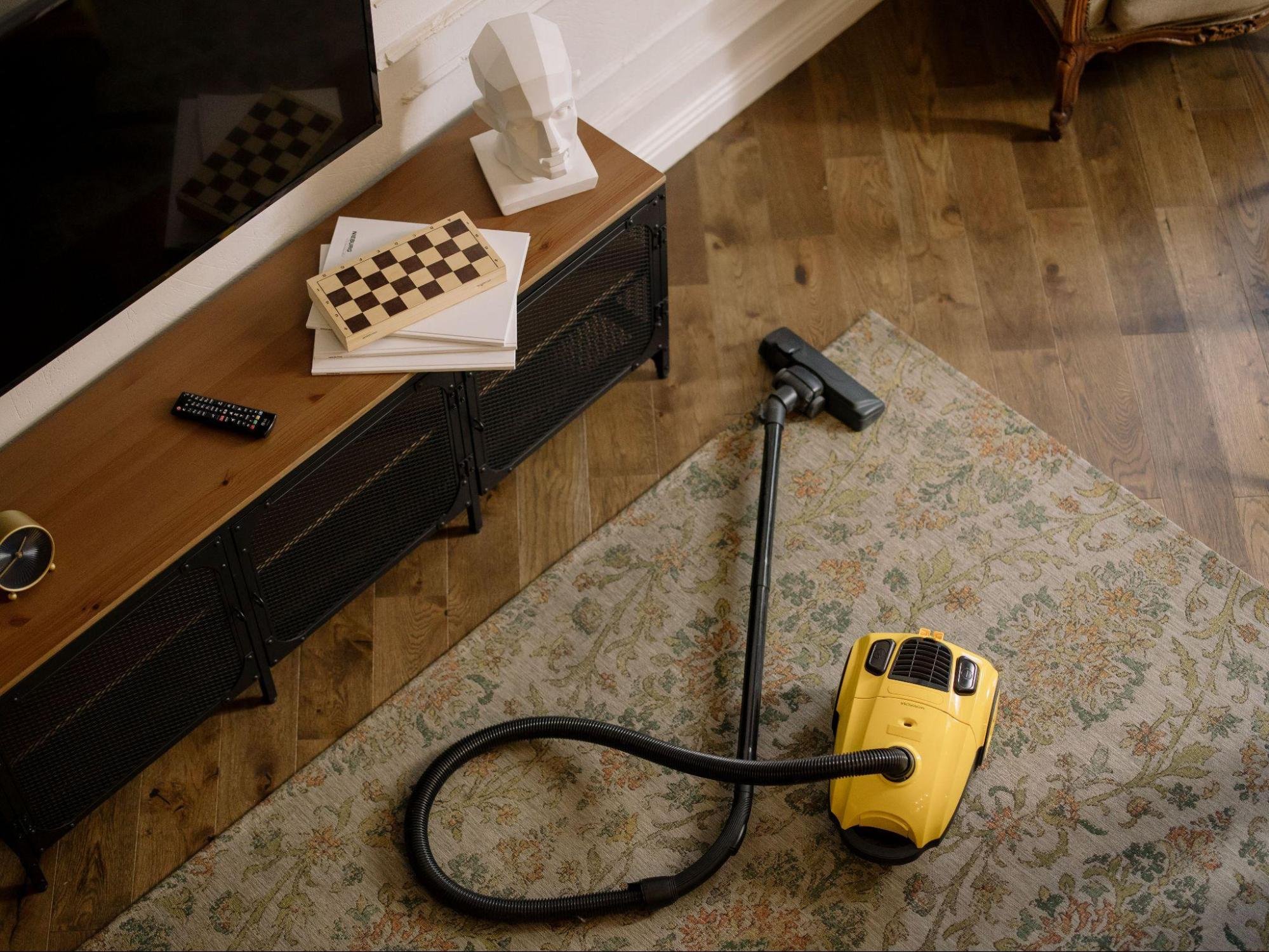
Vacuuming under desks
Dusting monitor stands
Keeping floors clear
Using closed storage
Replacing filters on time
Dust control improves both appearance and comfort.
Improve Lighting and Layout
A clean office can still feel uncomfortable if lighting is harsh or the layout is awkward. Comfort depends on how people move, sit, see, and interact.
Use natural light where possible. Add task lighting for focused work. Avoid strong glare on screens.
Keep walkways open and avoid crowding desks.
People should be able to move without navigating boxes, extra chairs, cords, or poorly placed furniture.
A good layout makes cleaning easier and work more comfortable.
Schedule Deeper Cleaning
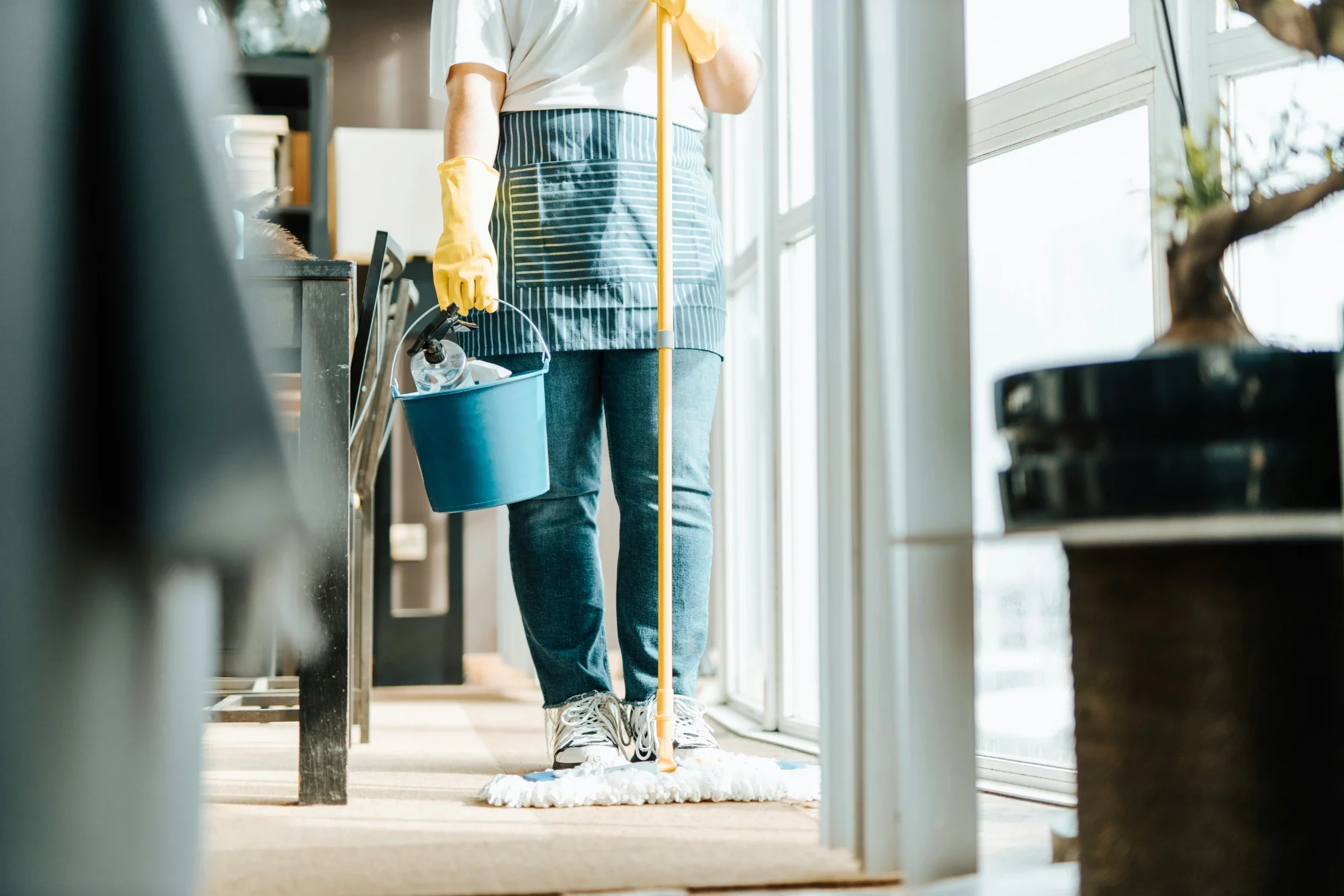
Daily cleaning handles visible mess. Deeper cleaning handles what builds over time.
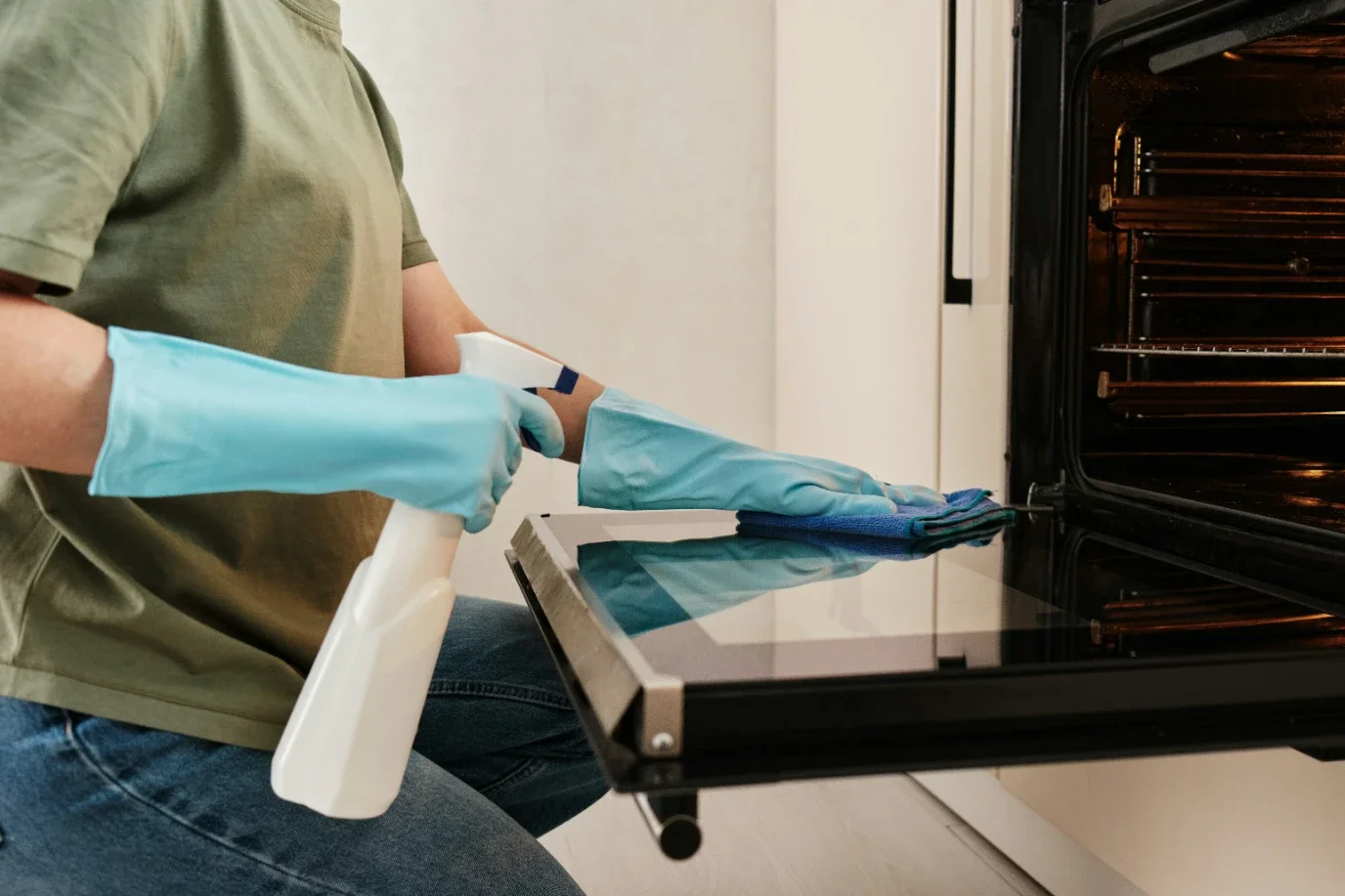
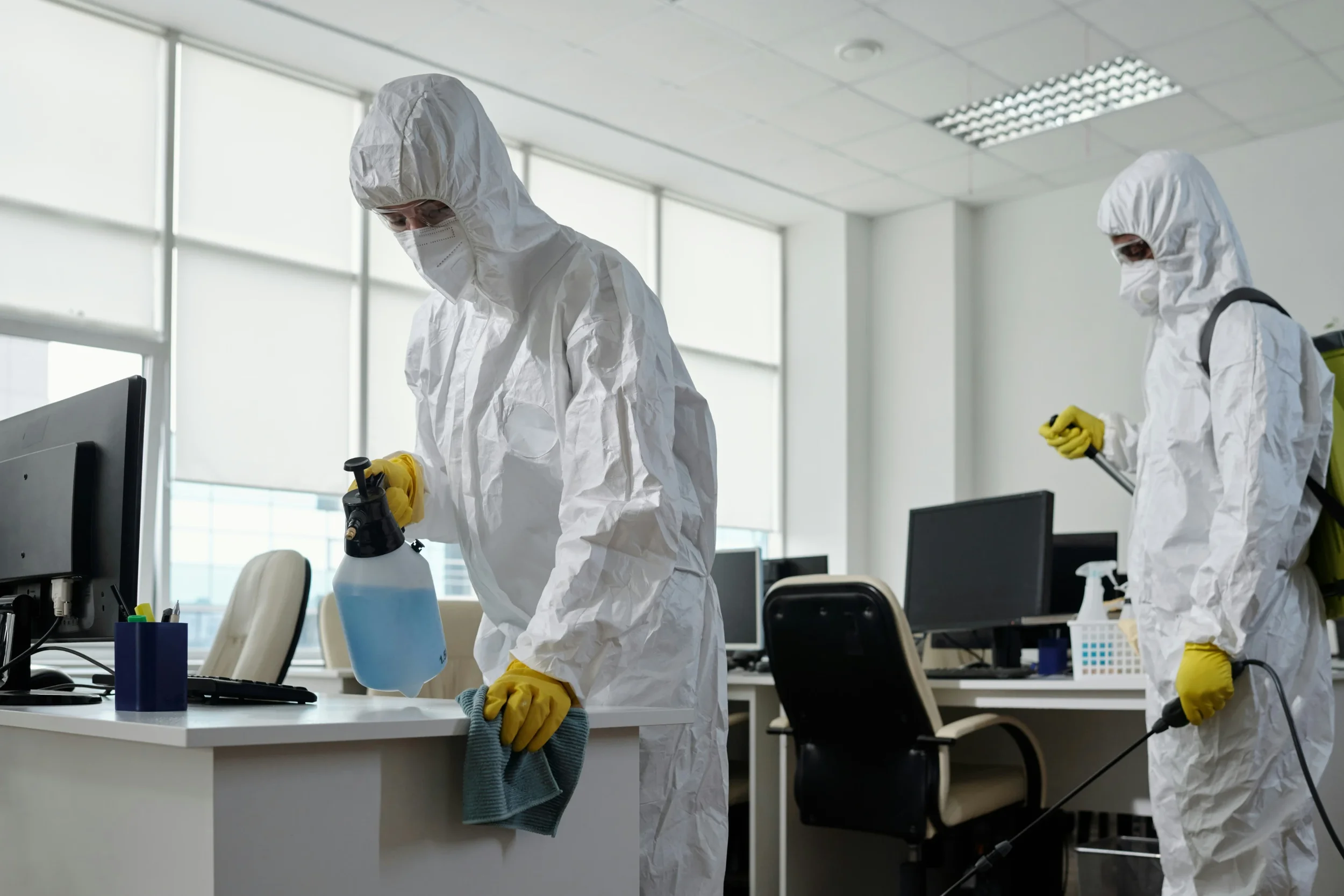
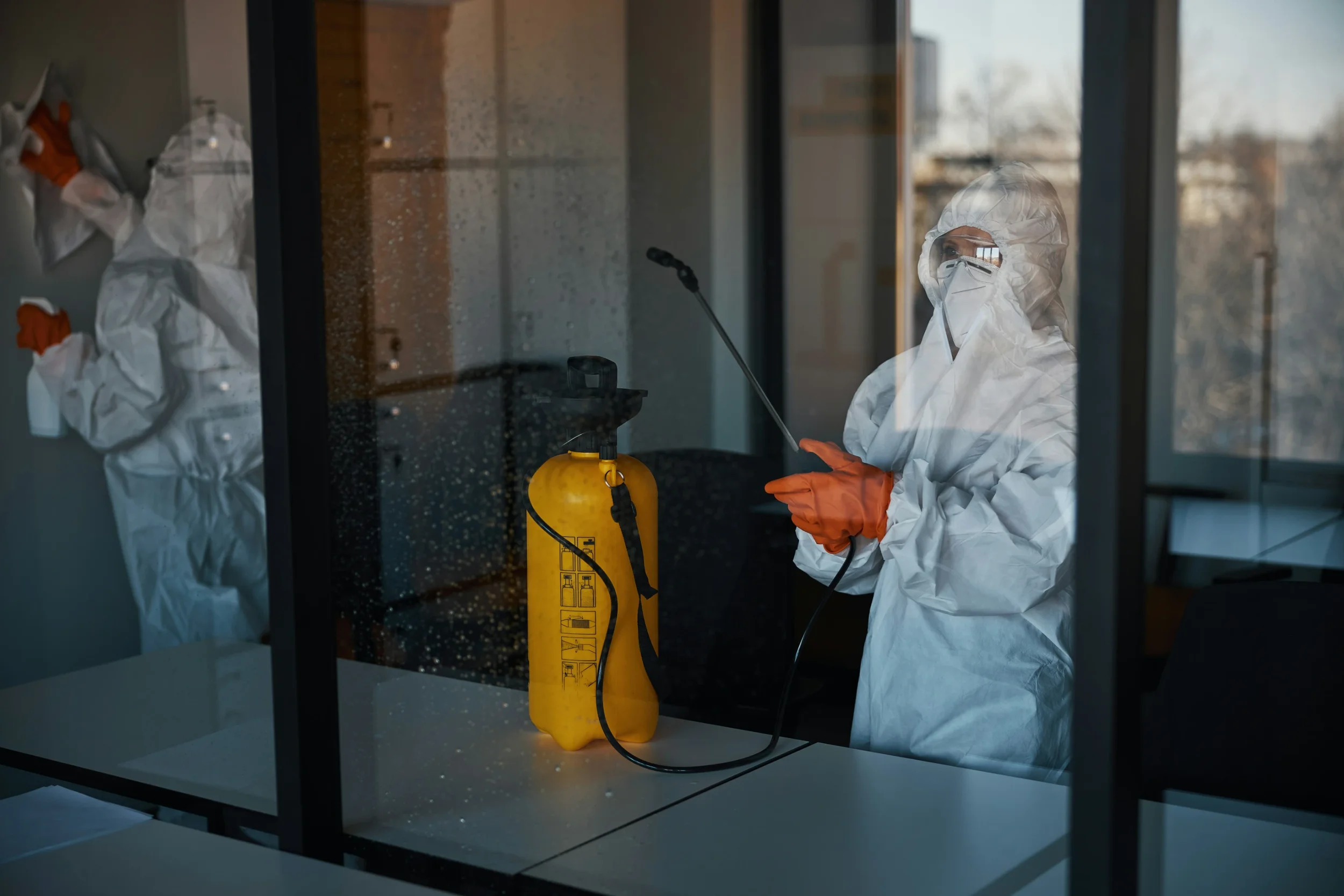
Schedule regular cleaning for carpets, upholstery, vents, windows, baseboards, restrooms, kitchen appliances, storage rooms, and shared equipment.
Review the schedule based on office size, foot traffic, season, and business type.
A busy office may need more frequent cleaning than a small private workspace.
The schedule should be written, visible, and reviewed regularly.
Final Thoughts
A cleaner, more comfortable office starts with better systems. Focus on high-traffic areas, air quality, storage, desk rules, shared spaces, durable materials, dust control, lighting, and daily resets.
The office should be easy to maintain by design.
When cleanliness is built into the layout and routines, employees spend less time working around clutter and more time doing focused work.
A well-kept office supports productivity, comfort, and a stronger impression for everyone who enters the space.
Stay up to date with our latest ideas!